
Tickets
Fundraisers, raffles and tickets with a QR
An event with a till of its own: sell the tickets, take part payment if you need to, work the door with a QR, and close it at the end to see whether it paid.
From the Free plan, with up to 2 events at once.
How it works
- 1
Set the event up
What is sold, for how much and how many — written on the same page as its name and its date: the plates, the raffle numbers, the tickets for a school night. A ticket can carry its extra — a bottle of wine, a glass of whisky — with a stock of its own that is never counted as another ticket. It keeps its own account, apart from the rest of the book.
- 2
Sell, and take part payment
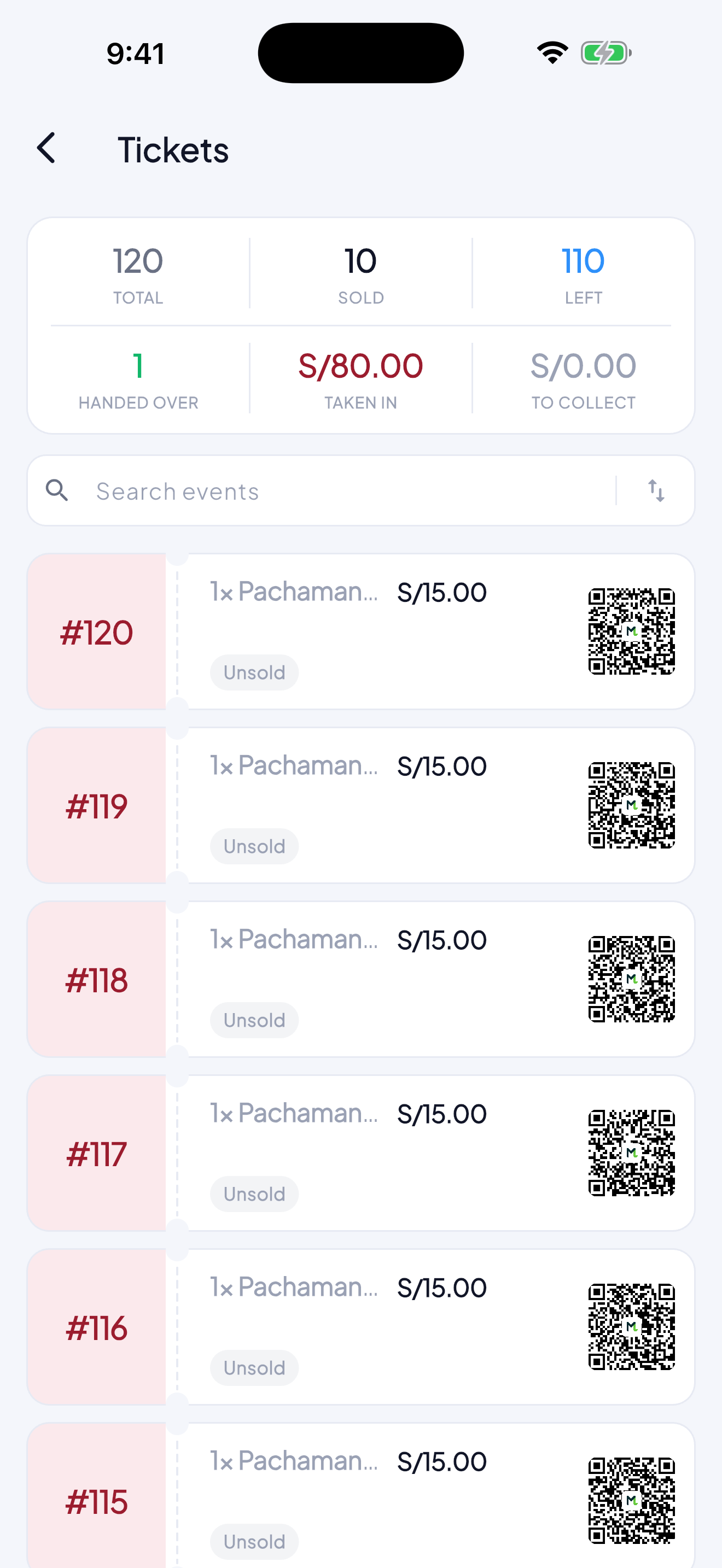
Each ticket with its buyer. It can be paid in parts, and the ticket says how much is left.
- 3
Work the door with the QR
Every ticket carries its code. Scan it on the way in and it cannot be used twice — which is the point of it.
- 4
Draw, and close
If it is a raffle, the app draws among the tickets sold, prize by prize. At the end you close the event and see what came in, what it cost and what is left.
What it is for
- The event does not mix with the everyday money.
- Nobody gets in twice on one ticket.
- At closing you know whether it paid, without gathering up scraps.
Questions
Do buyers need the app?
No. They get their ticket and its QR by WhatsApp and show it at the door.
Can a ticket be paid in parts?
Yes, and at the door you can see whether it is paid in full.