
Debts
What you are owed and what you owe, without a notebook
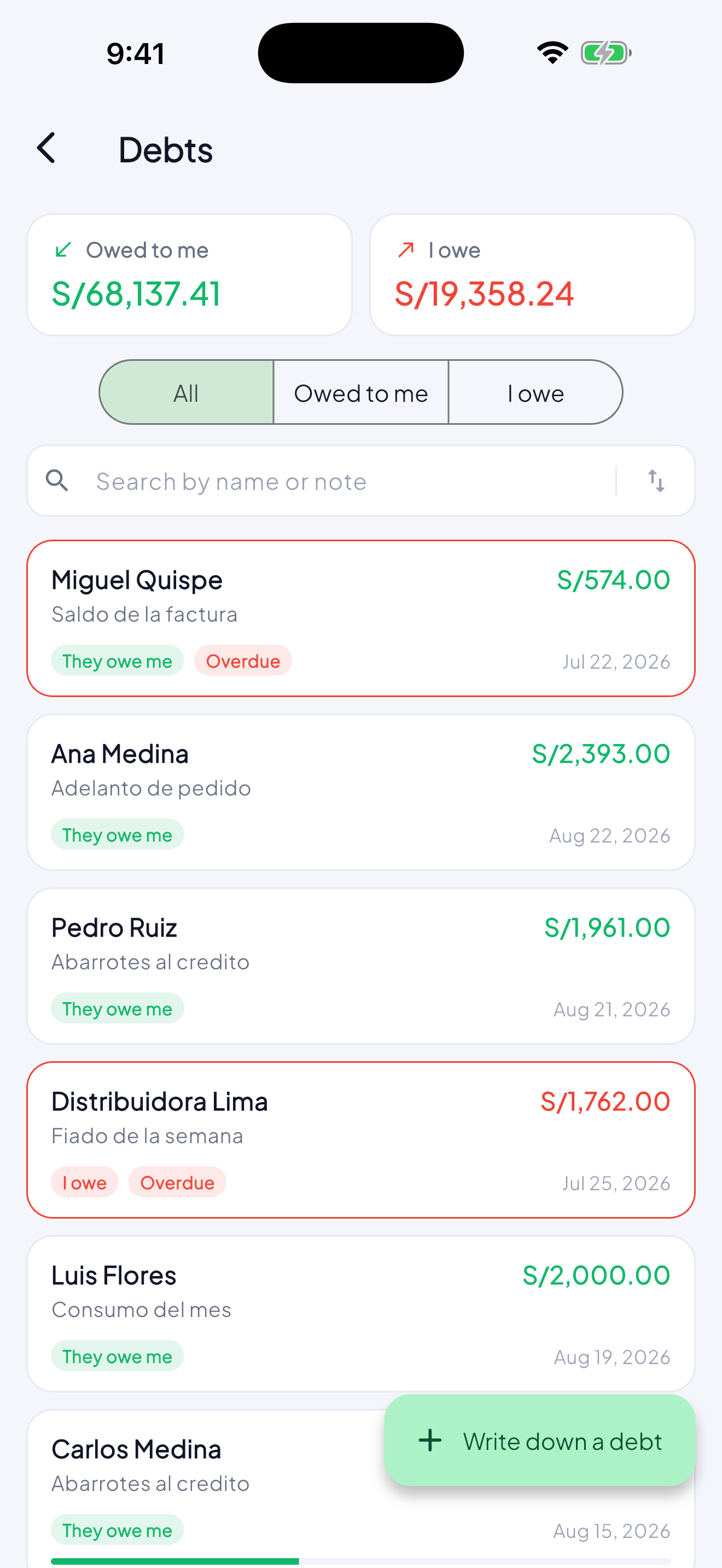
The week’s tab, the loan to a friend, the supplier’s bill. Each debt with its person, its date and what is left — and the app tells you before it falls due, not after.
From the Free plan, with up to 5 debts open at once.
How it works
- 1
Write down who and how much
The name, the amount and when for. If the person is already in your contacts, pick them. None of this moves your balance: somebody who promised to pay on Friday has not paid.
- 2
In instalments, if it needs them
Split it into the instalments you agreed, with interest and a late fee if there is one. Paying one early or granting a few more days does not mean redoing the rest.
- 3
Every payment with its receipt
Record the payment on the day it arrived and attach the photograph of it. That one does move your till, and it points back at the debt so your reports can tell collecting from selling.
- 4
How each person has paid
Over time the app knows who pays on time, who is late and who does not pay. The next time somebody asks for credit, you know before you say yes.
What it is for
- The tab stops living in your head and on scraps of paper.
- You know what is out there without adding anything up.
- You collect on time because the app reminds you before, not after.
Questions
Does recording a debt change my balance?
No. A promise to pay is not money in the till. Only payments move the balance, and they point back at the debt so you can tell what you collected from what you sold.
Can I charge in instalments with interest?
Yes. Split the amount into the instalments you agreed and give them their interest and late fee. Paying one early or granting a few more days does not force you to redo the rest.