
Free
To keep your money in order.
$0
- One book of accounts, with its income, expenses and categories
- Reports for that book
- Works offline
MoneyLog keeps your income and expenses in books of accounts: one for home, one for the business. Scan a receipt or say it out loud and it is written down. You know your balance, who owes you and what is on for today.
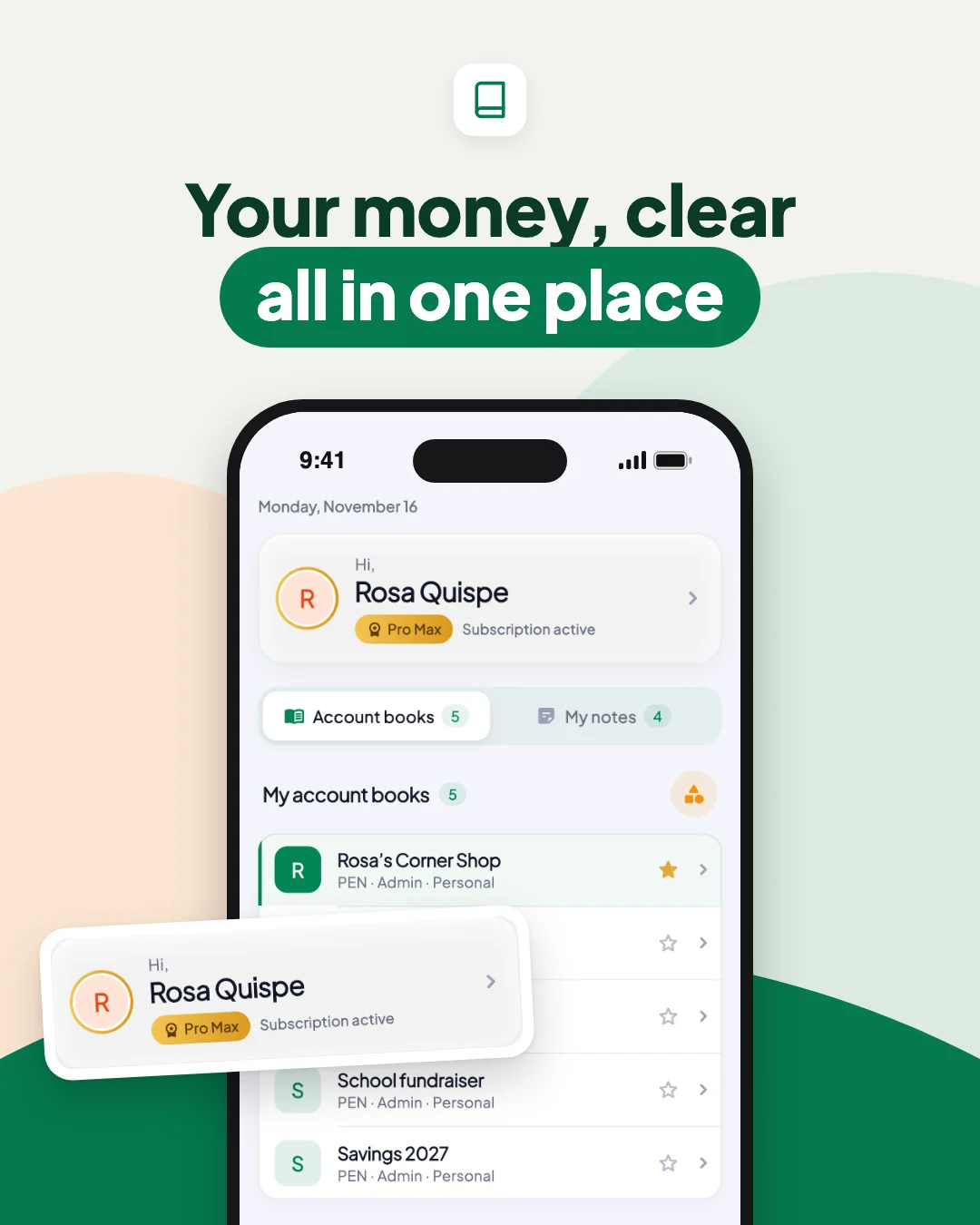
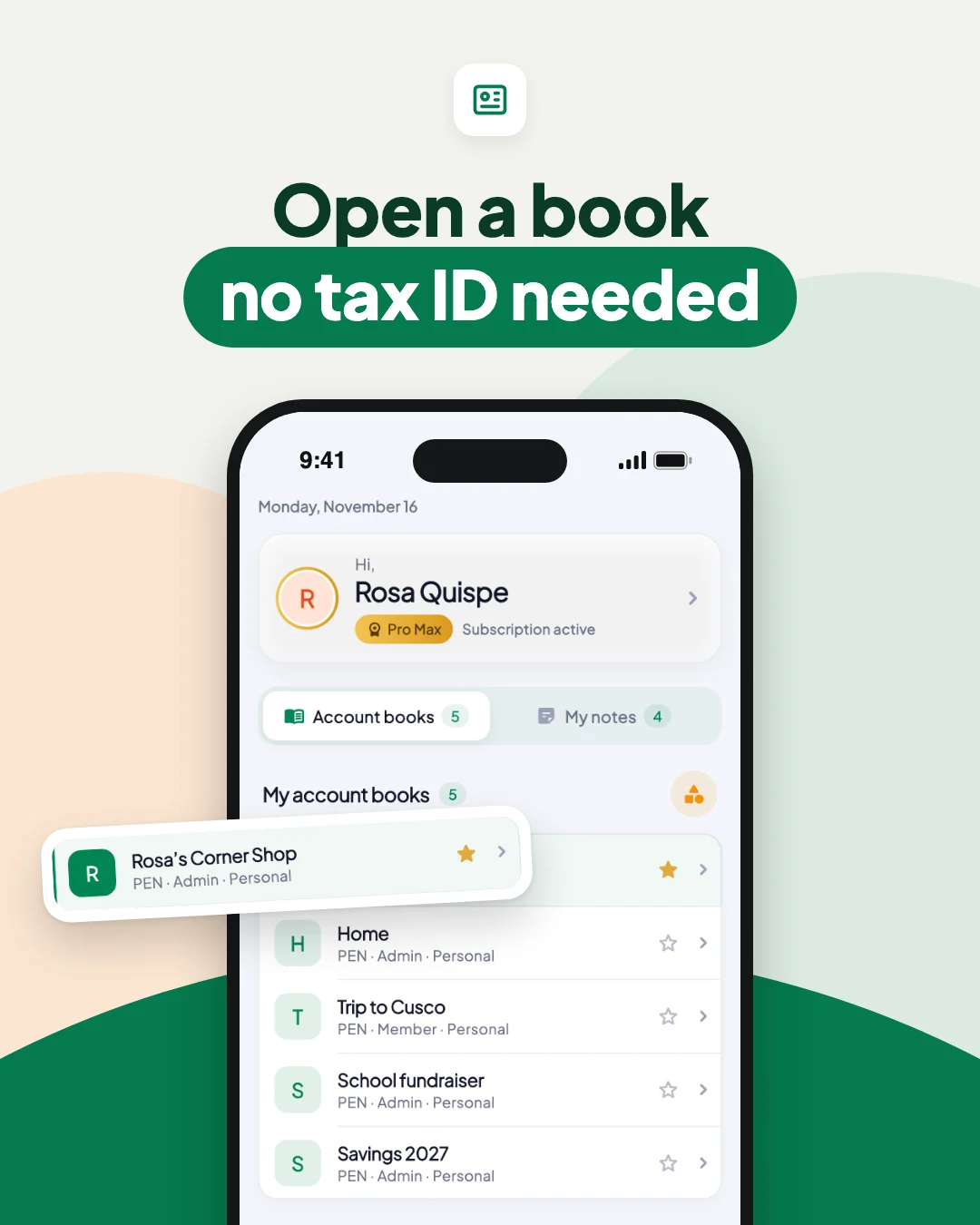
A book of accounts is a separate box: the shop, the home, the trip, the school fundraiser. Each keeps its own balance, categories, currency and reports, and nothing mixes.
The + button opens four ways in. Use whichever is handiest: the result is the same movement, with its category and its receipt kept.
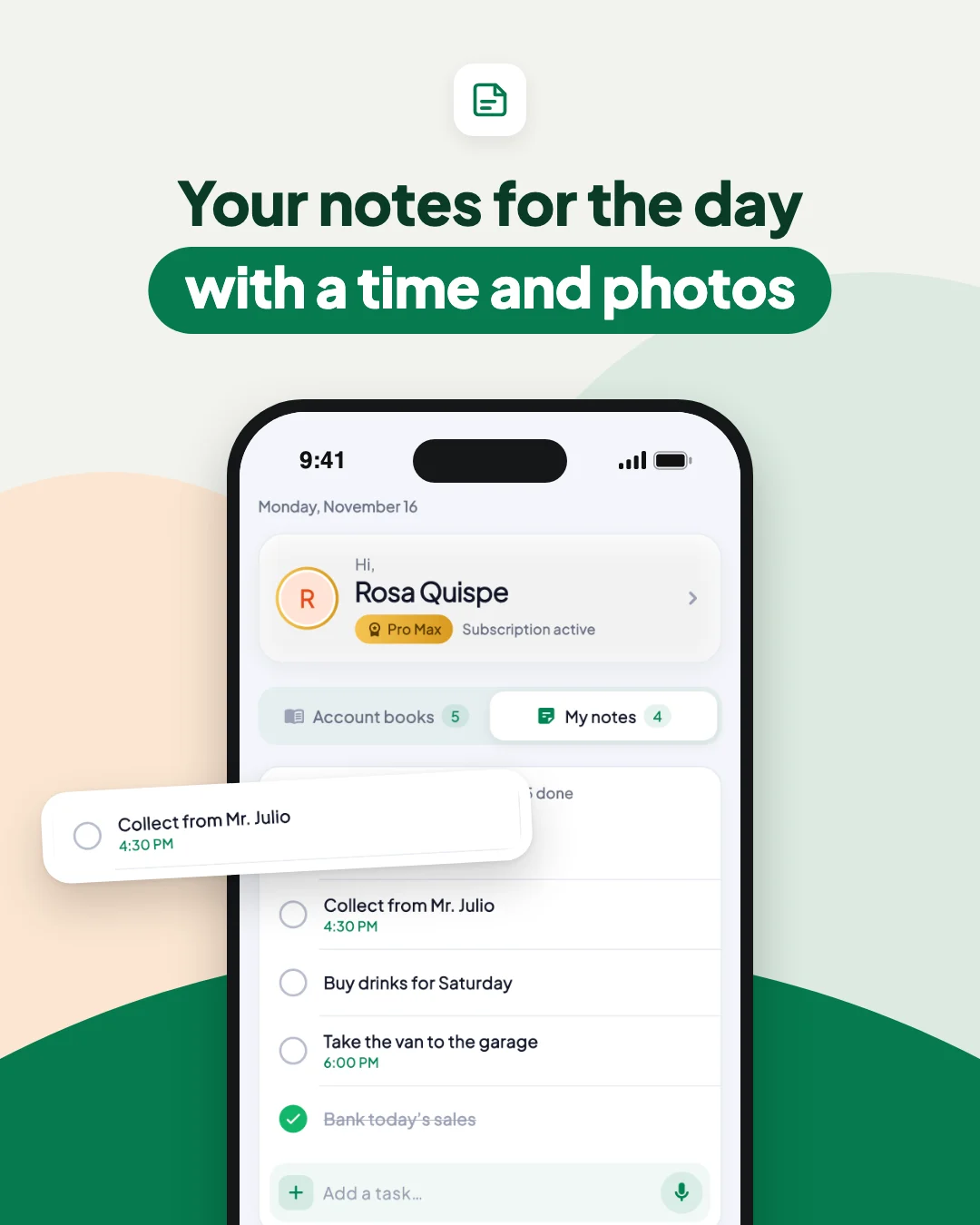
Home has two tabs: your account books and My notes. Each note carries a description, a date and time, photos, videos or files, and you tick it when done.
They open in a sheet over the book, so you never lose your place. In Modules you switch on only what you use.
What you are owed and what you owe, in instalments, with due dates and a WhatsApp reminder.
Learn more →Fundraisers, raffles and entry tickets with QR codes, part payments and draws.
Learn more →The book's own notes, for the whole team.
Learn more →Your history for any dates, with totals by category and the receipts.
Switch tools on or off. The book shows only what you need.
Receipts, invoices and payment screenshots: the amount, the date and who it was with fill themselves in. You check before saving.
Learn more →Your partner, your accountant or your family: each signs in with their own account and sees the same book instantly.
Admin for whoever runs the book; Member for whoever records in it.
Dollars, soles, euros and currencies across the Americas. Each book picks its own.
The official rate of the day, in view, for anything paid in another currency.
The bell tells you what needs your attention.
Whatever you record without signal is sent when it comes back.
No bank connection and no ads. What you recorded can always be read.
On your phone, computer or browser. Just your email, no card.
Name it and pick its currency. No tax ID; categories come ready.
Snap the receipt, say it, or type it. Balance, reports and to-dos build themselves.
The Free plan never expires. And for the first 2 months you get everything, no card.
To keep your money in order.
$0
For more than one book, and a team.
$1.00/mo
For whoever lends to many.
$2.00/mo
Pro Max, paying yearly: $1.67 a month · $20.04 in one charge
A separate box for one pot of money. You record what comes in and goes out, and the book keeps the balance, categories and reports for that money and no other. It does not have to be a business: it can be your home or a trip.
Yes. The Free plan is for good: one book of accounts with its income, expenses, categories and reports. For the first 2 months you get everything in the paid plans, no card.
No. MoneyLog never connects to your bank. You record or scan your movements and the app does the sums.
Tap + and «Scan a receipt». Take a photo, pick an image or upload the PDF. The amount, date and who it was with fill in, and you confirm before saving. It comes with Plus.
Yes, on Plus. Add members and give each a role: Admin or Member. Everyone sees the same book instantly.
Yes. It opens with what was last saved, and anything recorded without signal is sent when it returns. Nothing is sent twice.
Android, iPhone, tablets, Mac, Linux and the browser, with the same account and the same data.
Free for good, with 2 months of everything to try. No card, no ads.